
This is a carousel with slides. Use Next and Previous buttons to navigate, or jump to a slide with the slide dots.
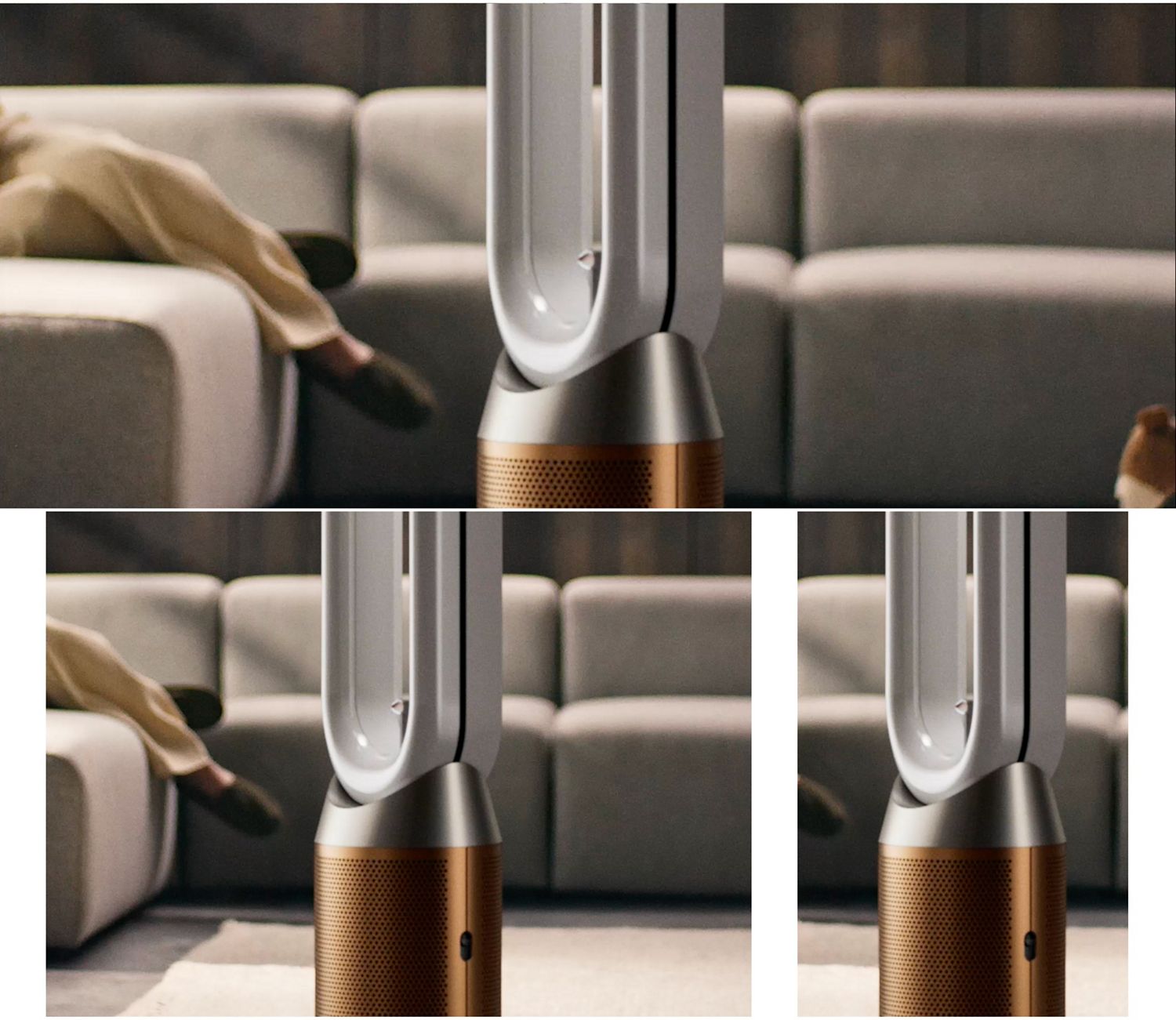
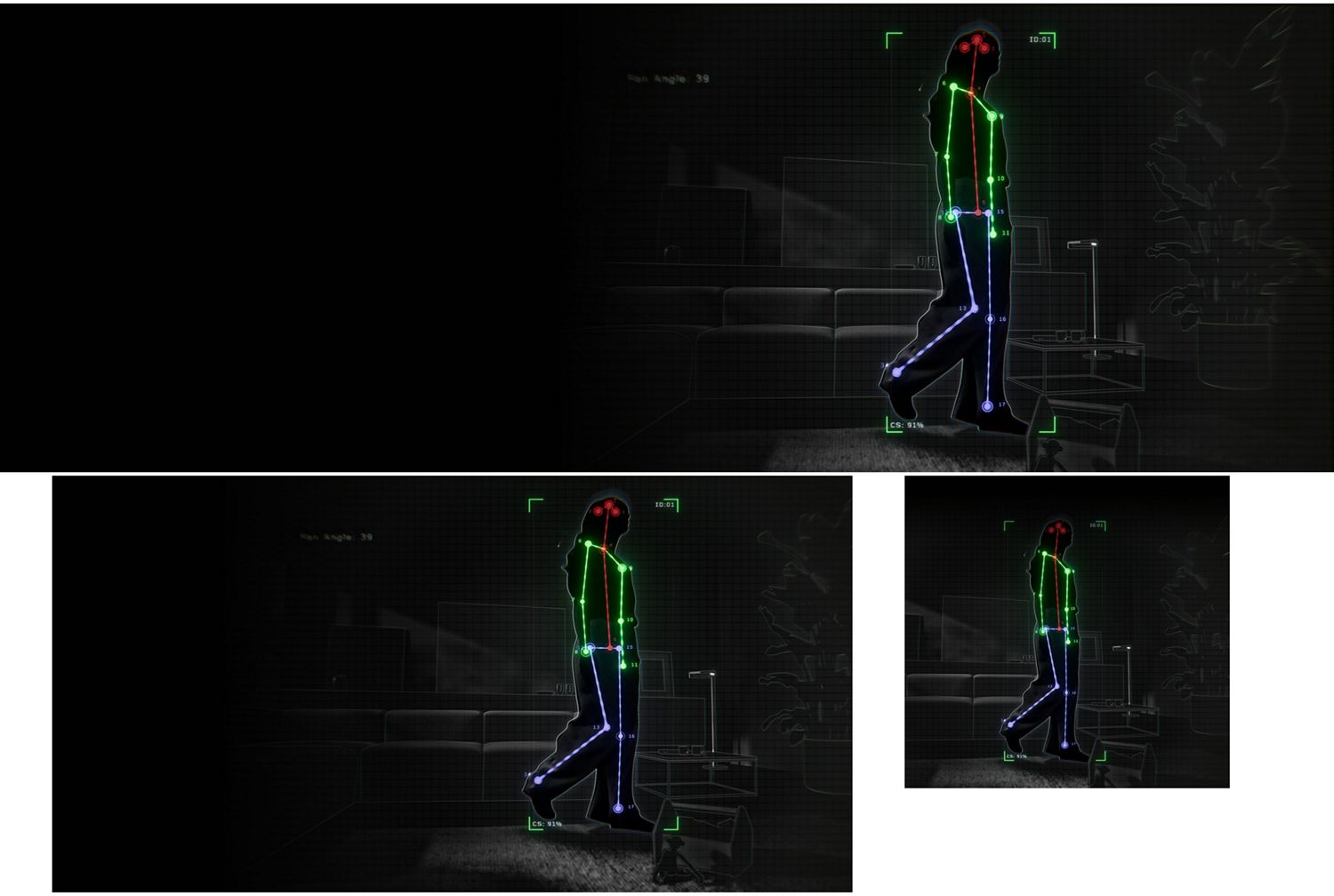
New Find+Follow™ air projection
Dyson's new Find+Follow™ air projection uses 17-point AI user detection to cool you with purified air,¹ even when you move.
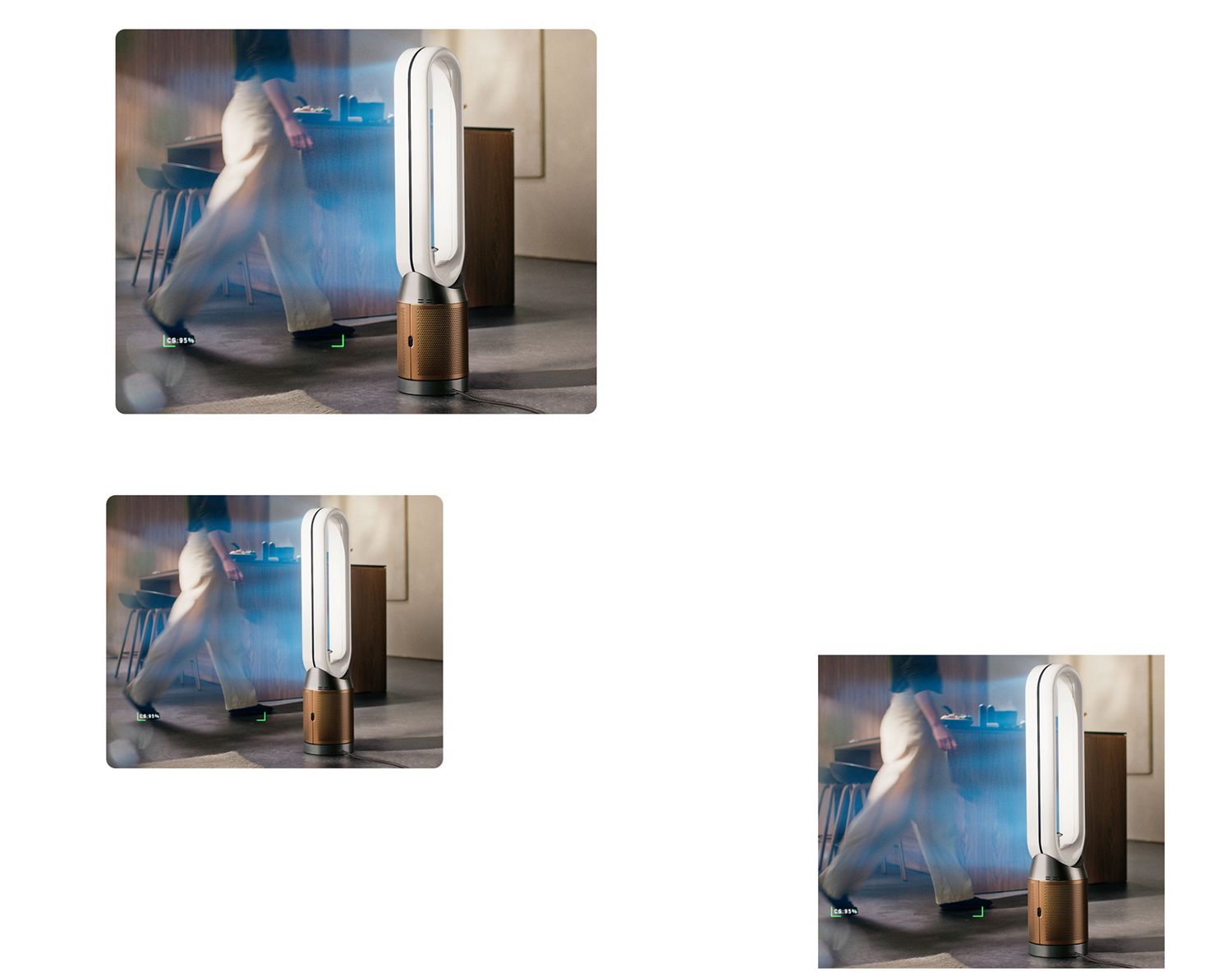
New Find+Follow™ air projection
Dyson's new Find+Follow™ air projection uses 17-point AI user detection to cool you with purified air,¹ even when you move.
Evenly shares airflow
Auto-adjusts oscillation up to 350° when there’s more than one person in the room. Precisely sharing cooling purified air between them,¹ evenly and efficiently.
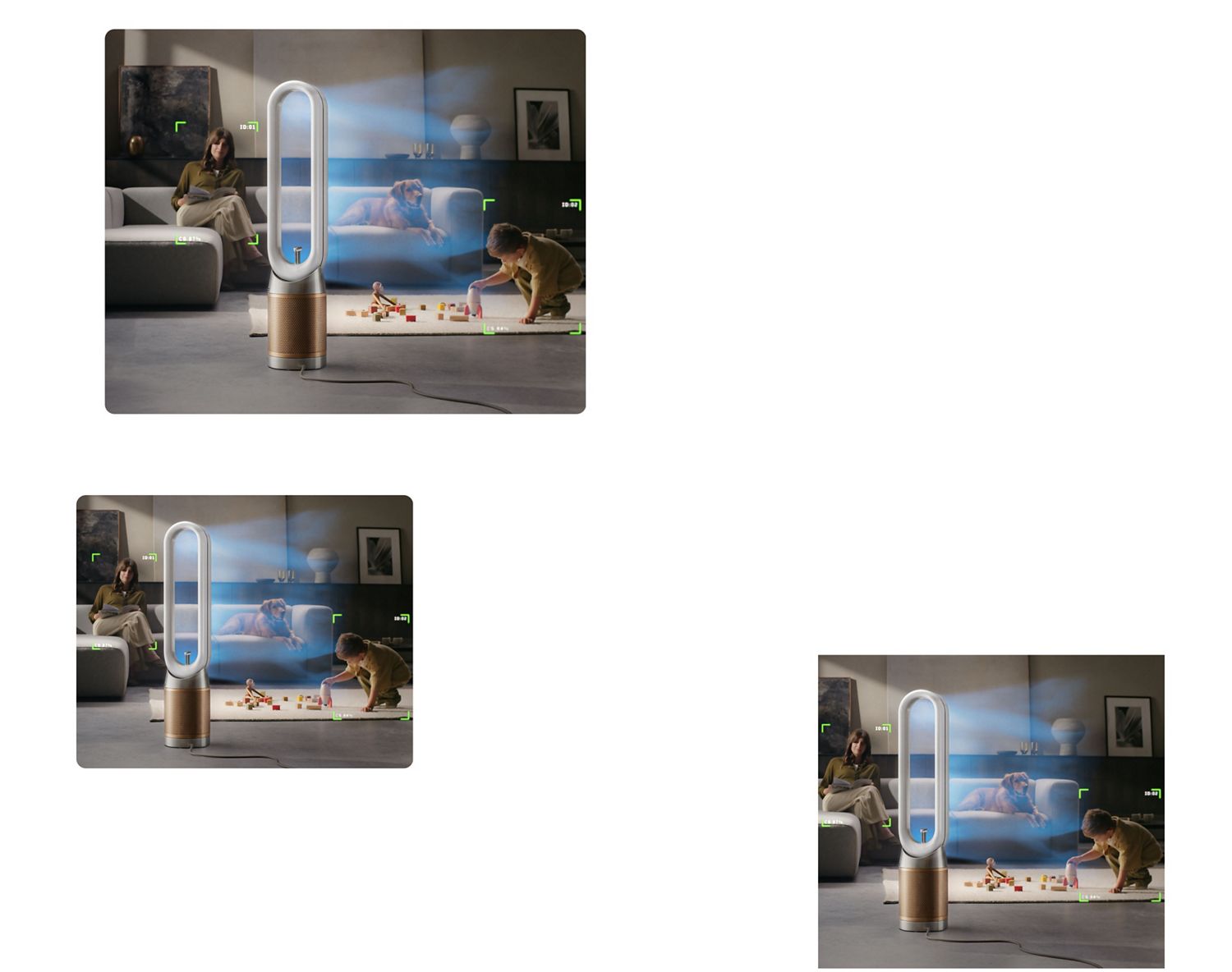
Evenly shares airflow
Auto-adjusts oscillation up to 350° when there’s more than one person in the room. Precisely sharing cooling purified air between them,¹ evenly and efficiently.
Find+Follow™ intelligence
Automatically detects when you leave the room and stops oscillating, then reactivates when you return. If the room remains empty, it continues purifying and switches to Auto mode.
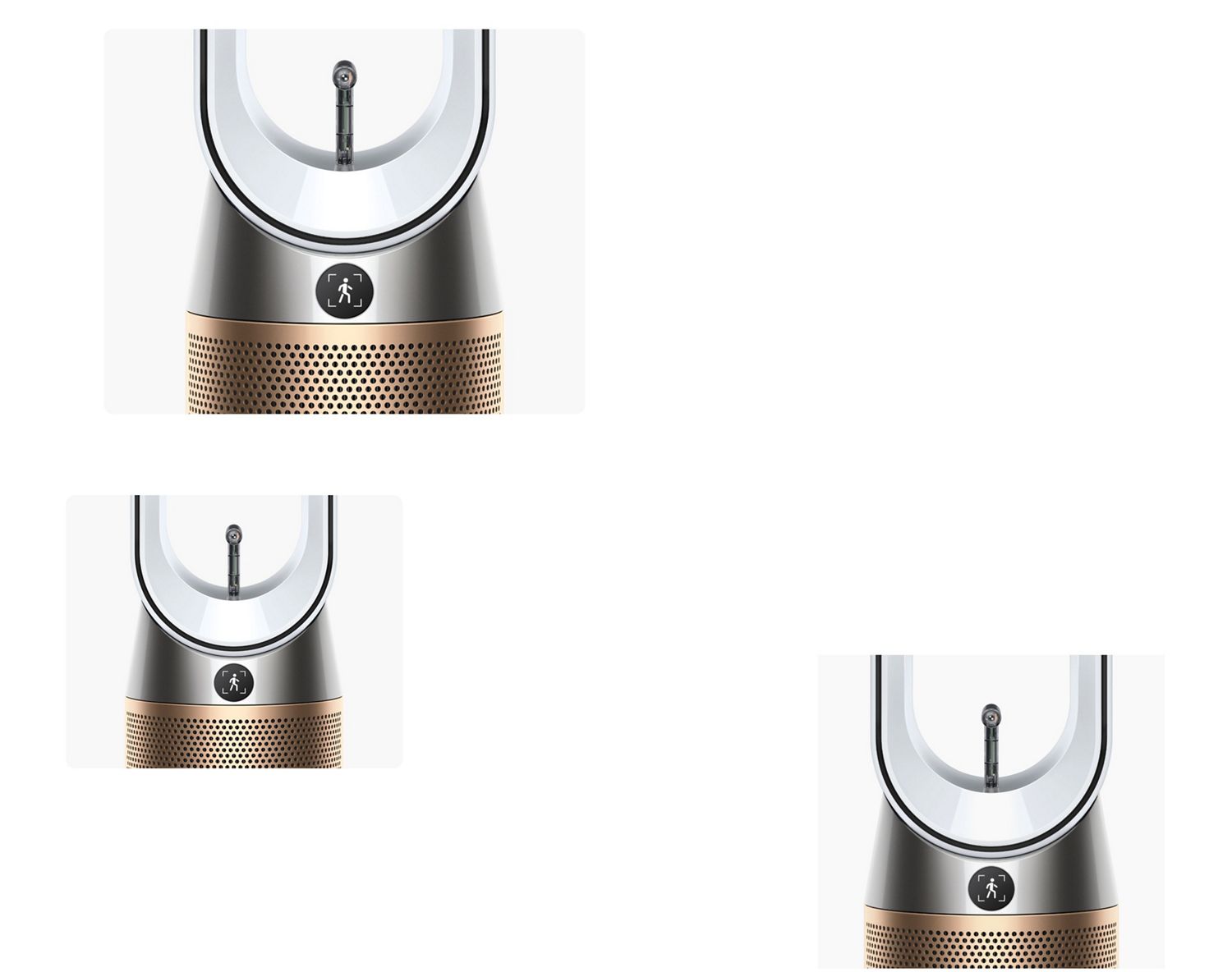
Find+Follow™ intelligence
Automatically detects when you leave the room and stops oscillating, then reactivates when you return. If the room remains empty, it continues purifying and switches to Auto mode.
Powerful purification
Air Multiplier™ technology projects a powerful stream of air to purify the whole room evenly.² High-velocity airflow, over 290 litres per second, cools you.¹
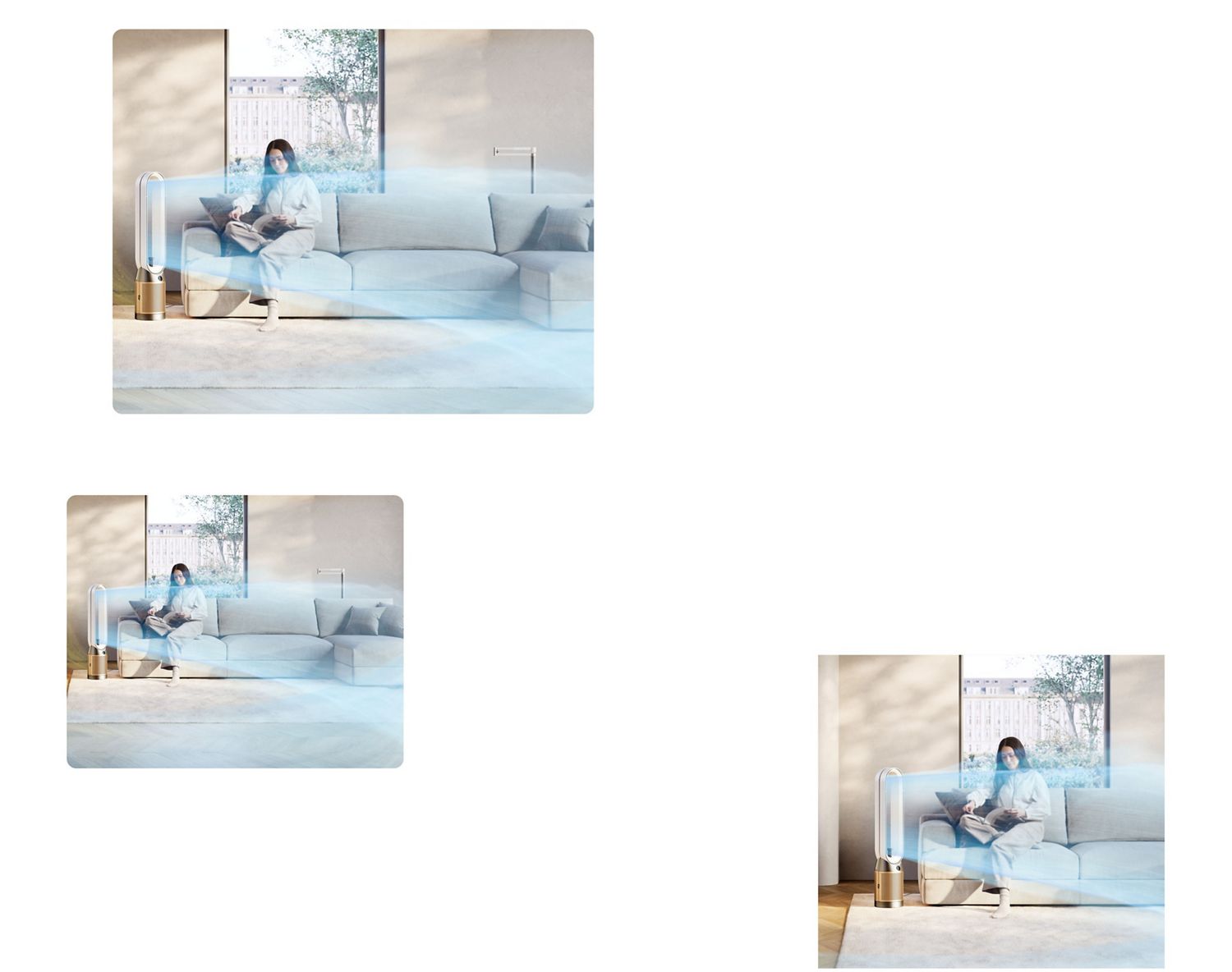
Powerful purification
Air Multiplier™ technology projects a powerful stream of air to purify the whole room evenly.² High-velocity airflow, over 290 litres per second, cools you.¹
This is a carousel with slides. Use Next and Previous buttons to navigate, or jump to a slide with the slide dots.
Senses and reacts to air pollutants
Sensors continuously analyse the air quality in the room. Pollutants are detected at the molecular level. Displays real-time reports on the LCD display and in the MyDyson™ app.⁷
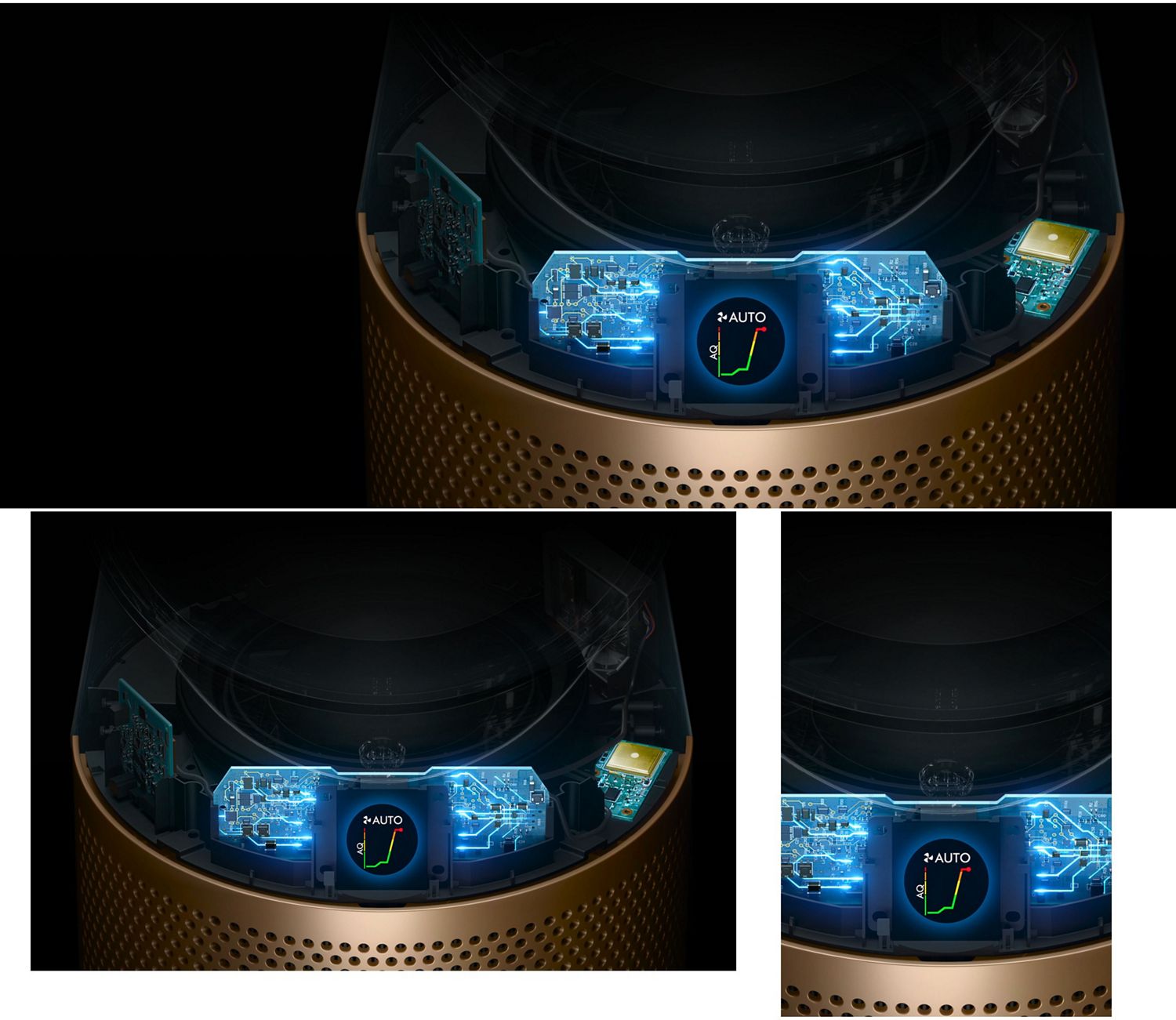
Senses and reacts to air pollutants
Sensors continuously analyse the air quality in the room. Pollutants are detected at the molecular level. Displays real-time reports on the LCD display and in the MyDyson™ app.⁷
Captures particles with fully-sealed filtration⁹
Auto mode automatically reacts when pollutants are detected. Increasing fan speed to capture them and purify the air.
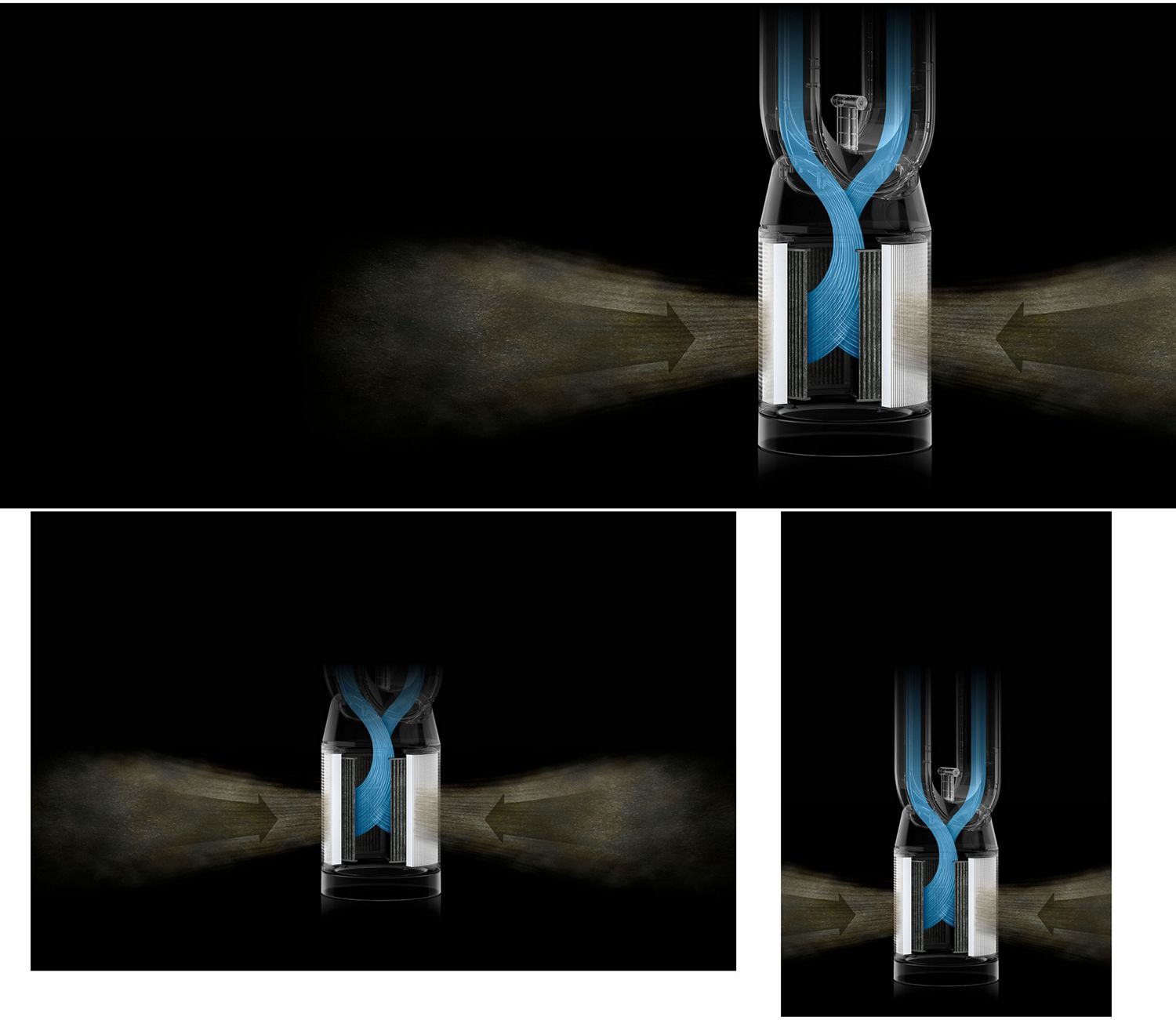
Captures particles with fully-sealed filtration⁹
Auto mode automatically reacts when pollutants are detected. Increasing fan speed to capture them and purify the air.
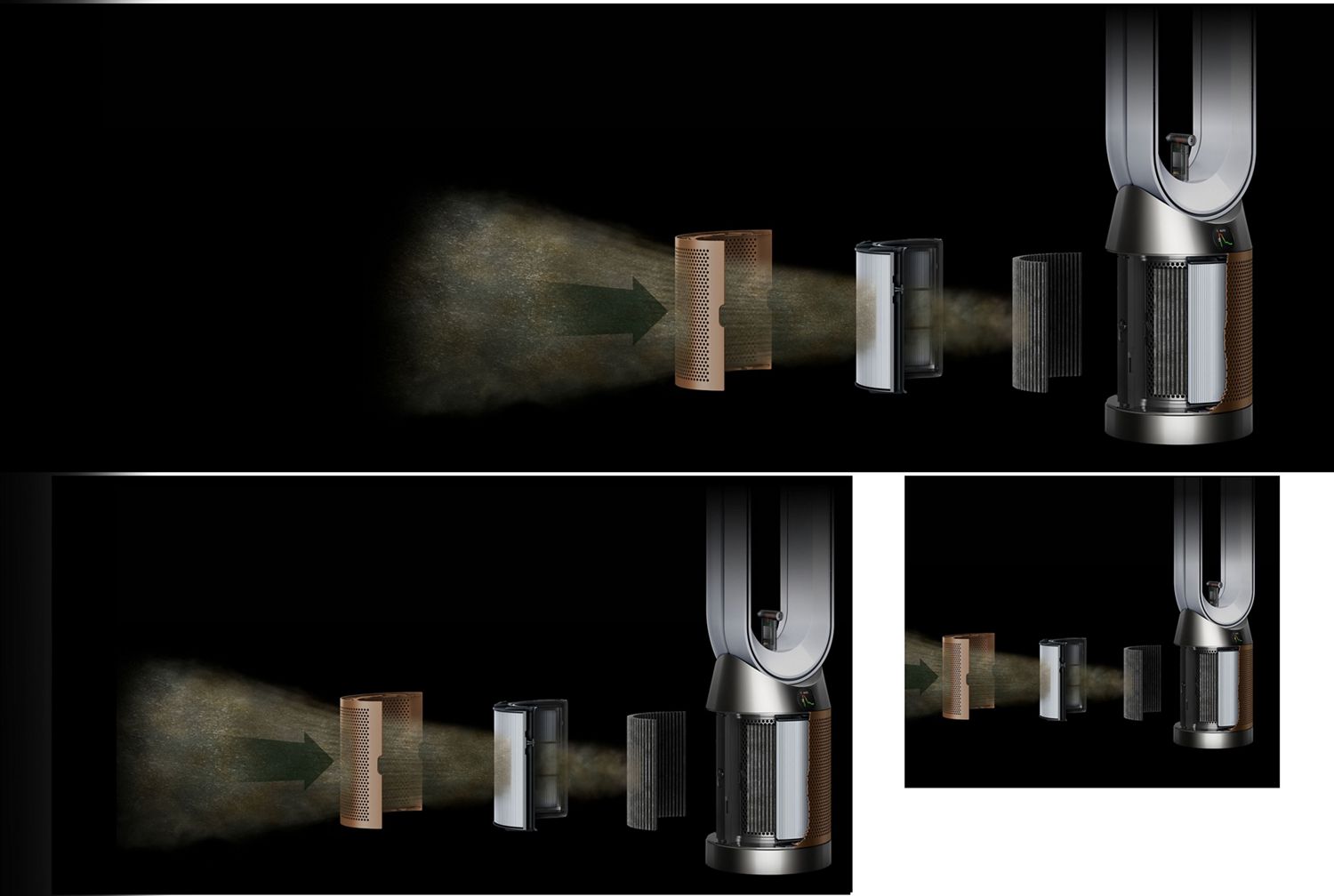
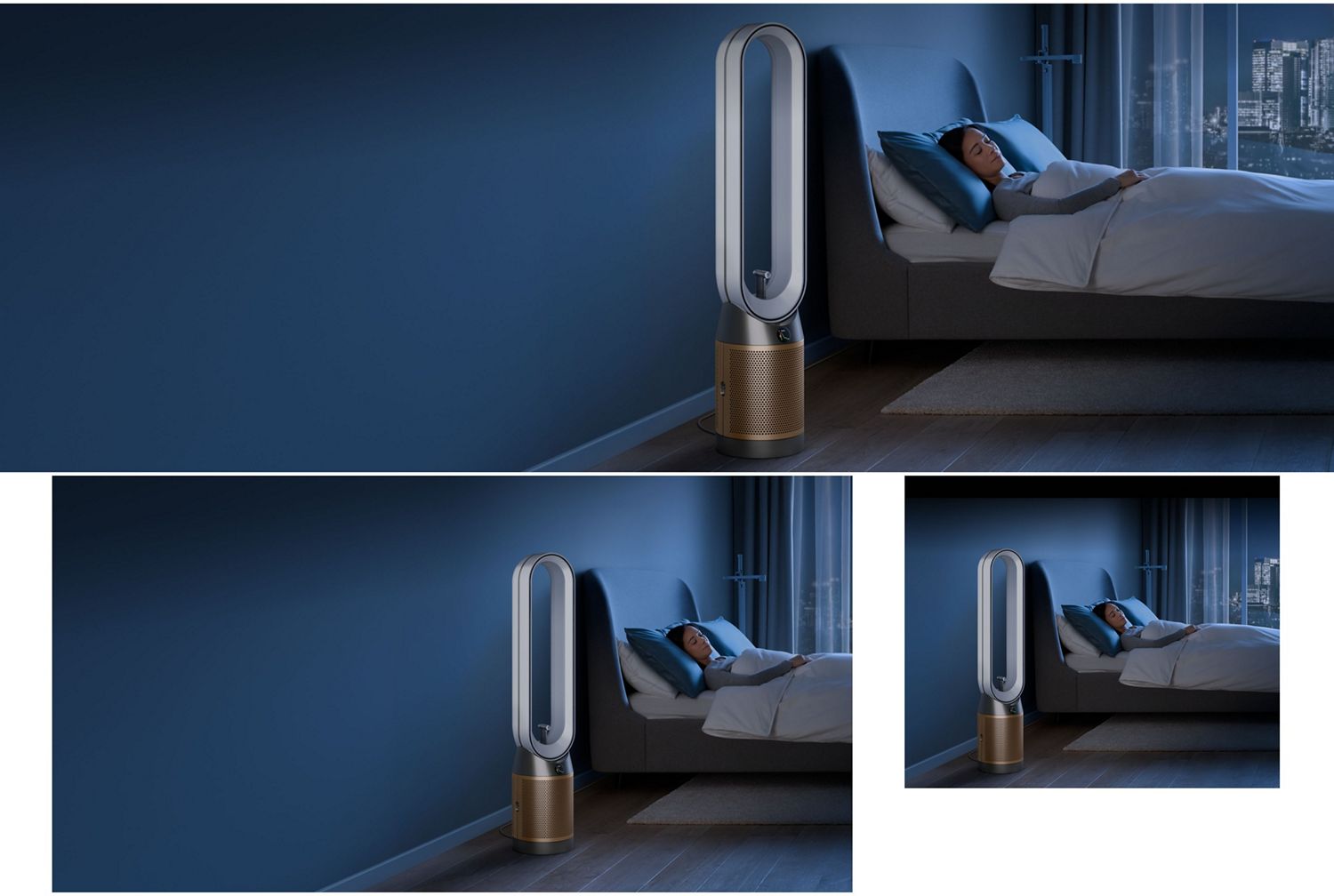
- Air Multiplier™ technology projects a powerful stream of air to purify the whole room evenly.²
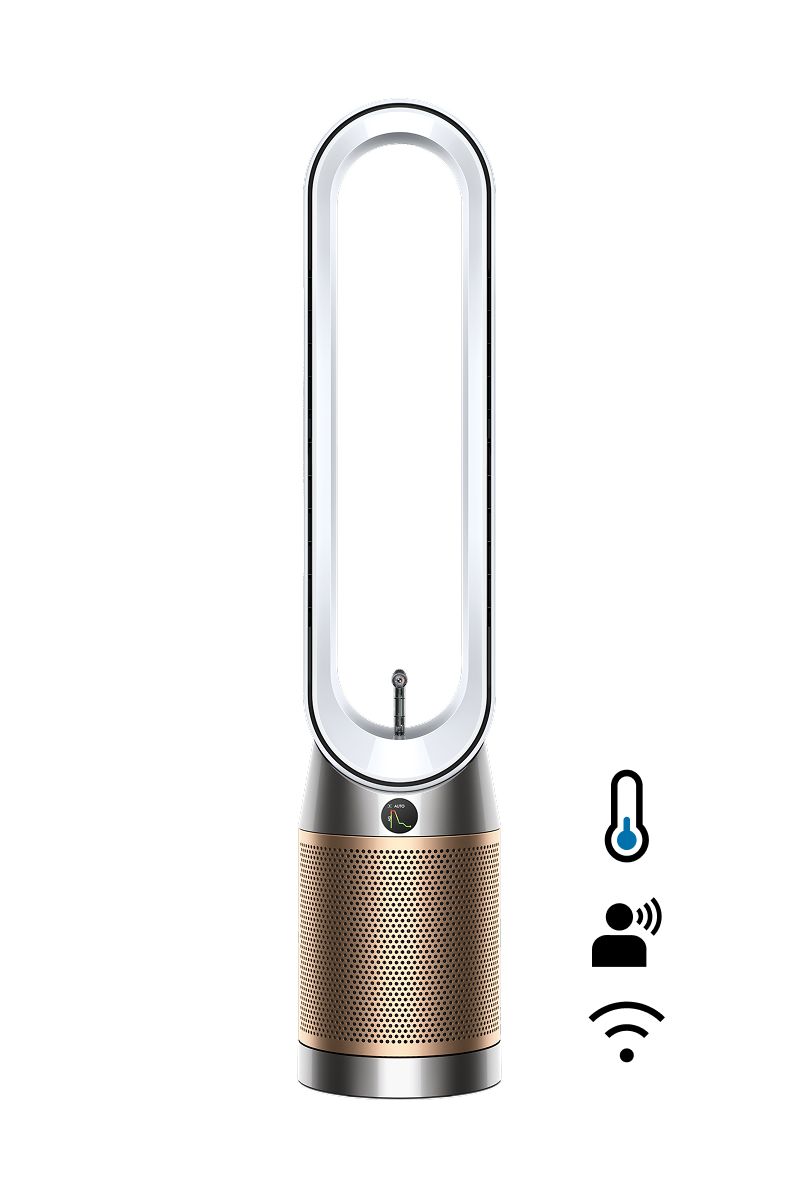
- Find+Follow™ Air Projection detects and directs cooling air towards you, even when you move.
- Two-stage HEPA filtration captures 99.95% of particles as small as 0.3 microns3. Absorbs 50% more NO2.6
- MyDyson™ app⁷ connectivity.7
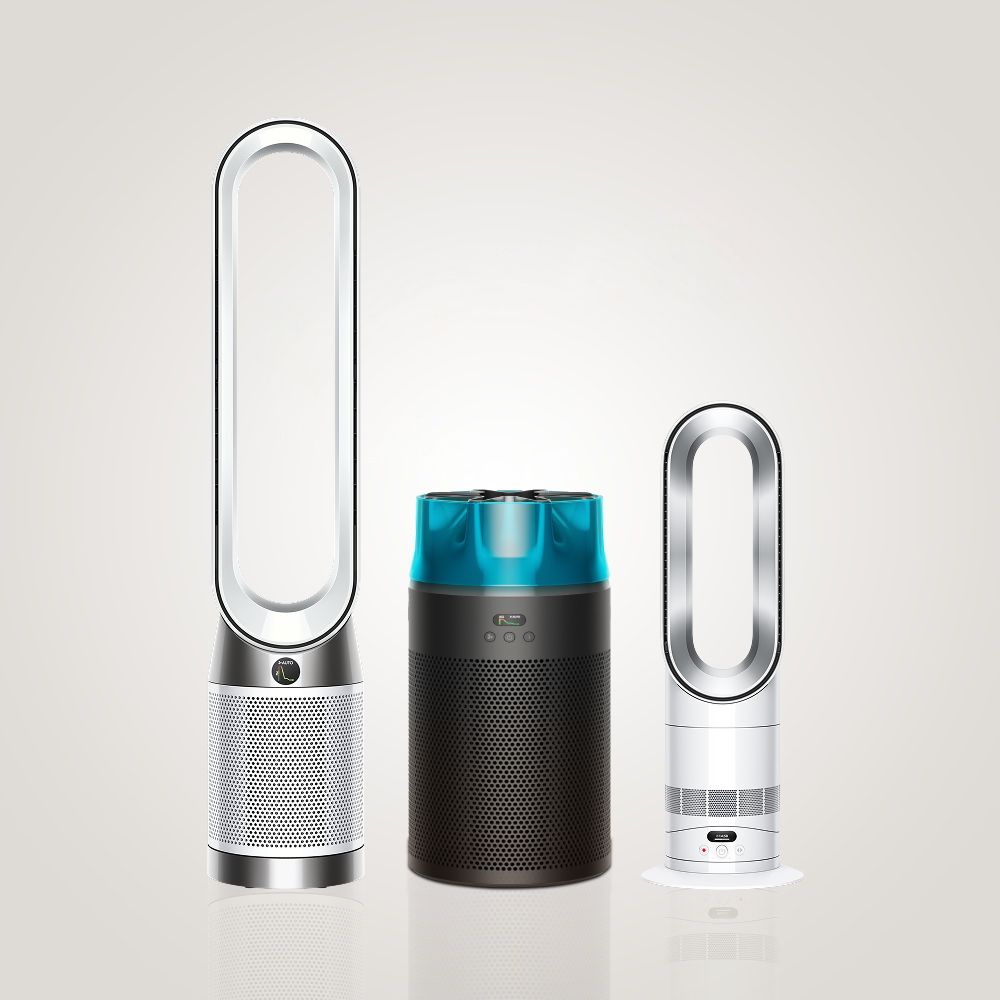
Discover Dyson air treatment
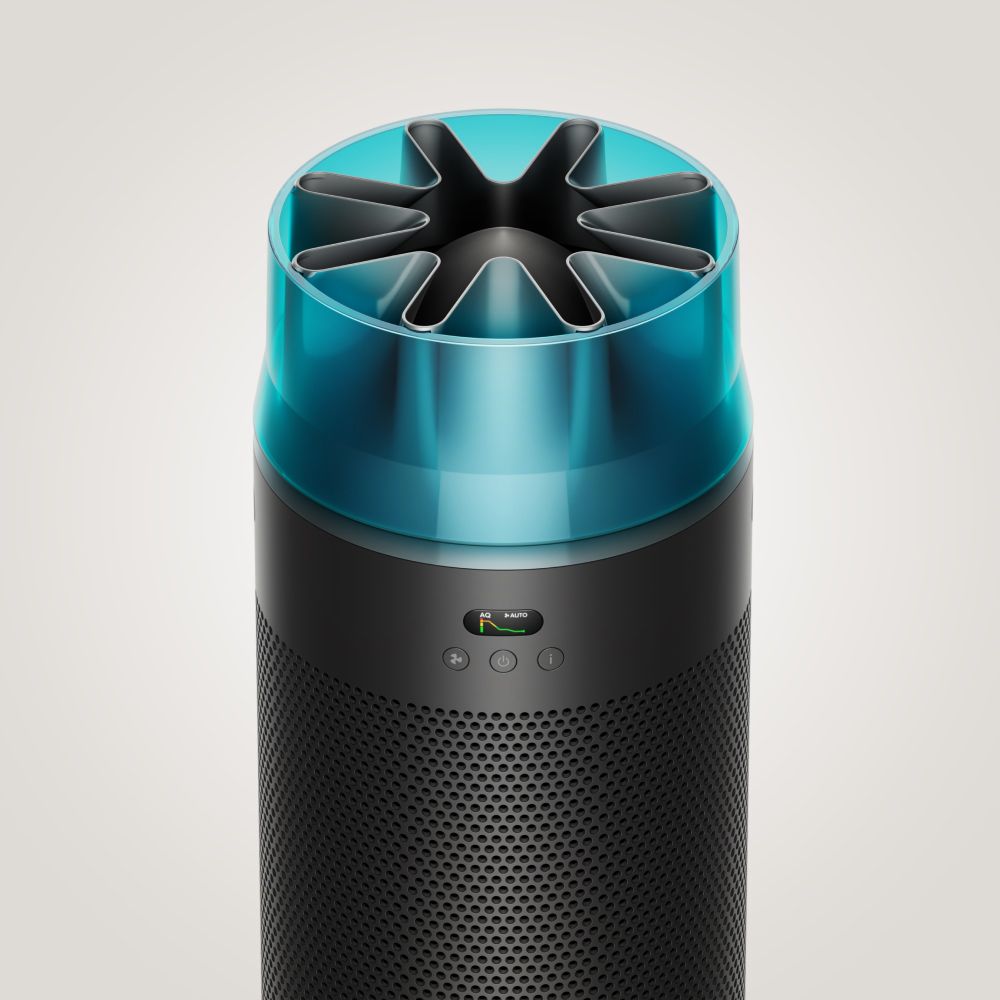
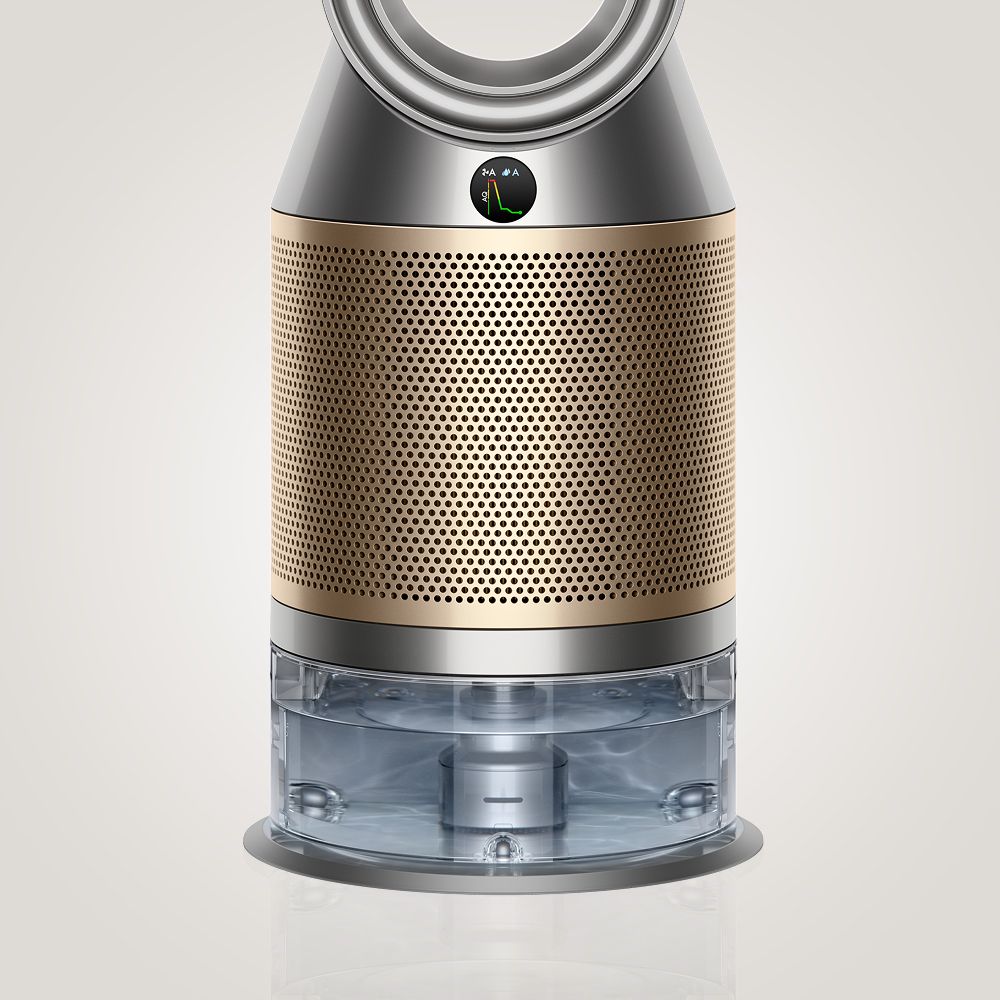
Explore our air treatment range.
Frequently asked questions
Detects you: Find+Follow™ air projection uses 17-point user detection to automatically direct cooling purified air towards you – even when you move.
Evenly distributes airflow between multiple people: Find+Follow™ air projection auto-adjusts oscillation when there’s more than one person in the room. Precisely sharing purified air between them, evenly and efficiently.
The Dyson Find+Follow™ Purifier Cool is able to serve as a fan, which can help cool you. It projects over 290 litres per second of smooth, yet powerful cooling airflow. It is not an air conditioner.
Yes. Via the My Dyson app™ and the remote control, you can switch off the Find+Follow™ air projection feature and use oscillation as normal on the machine. Turning the feature off this also turns the sensor off.
The timer can be set from 30mins to one hour, two hours, four hours and eight hours on the machine. It can be set for 15, 30 and 45 minutes, and then every hour up to nine hours on the MyDyson™ app.
We’ve included multiple projection angles so you can change the direction of airflow to suit your needs. This purifier also oscillates to change the direction of projection, and you can reduce the speed of airflow manually using the remote or MyDyson™ app.
¹EC025
²EC012
³EC002
⁴EC009
⁵EC0128
⁶EC001
⁷EC013
⁸EC0131
⁹EC006
Apple, the Apple logo, and Siri are trademarks of Apple Inc. App Store is a service mark of Apple Inc.
Google Play, the Google Play logo, Google Assistant are trademarks of Google Inc.